
Branding is one of the most important parts of any business. It is the first thing people notice, and it completely shapes their associations and perceptions of your company. The logo is at the forefront of all of this, and it is also the first thing people notice and remember.
So, whether you’re just starting a new company or just want to rebrand an existing one, having clean visuals and a brand identity is one of the most important aspects of your road to success. This process used to take a lot of time and resources, as companies had to hire designers or professional agencies to get a good logo. However, this is no longer the case.
Today, you don’t have to do all that. You can simply use design platforms and create your own logo in minutes, without having any prior design experience. Most of these platforms use AI, templates, and other smart tools to seamlessly guide you through the process.
5 Best Logo Design Platforms in 2026
Below, we will discuss some of the best logo design platforms that can help you create your visual identity effortlessly.
1. Design.com
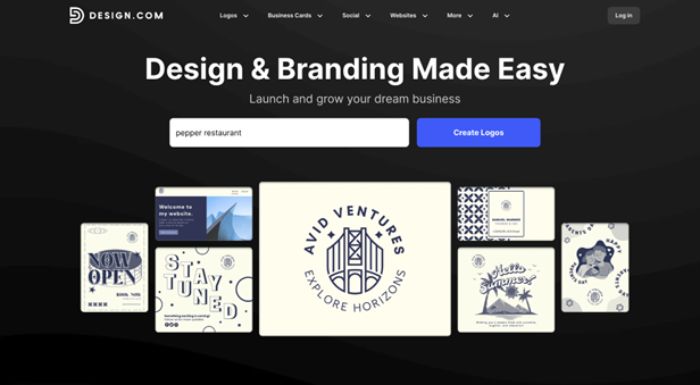
Design.com is one of the most popular logo design platforms in the world. It’s used by different startups, small and large businesses that want to design professional and clean logo designs, without having to go through complicated and costly processes.
Key Features
- Huge Selection of Templates
Design.com offers one of the largest logo libraries in the world. They have over 360K+ logo templates and over 1 million total design templates that cover almost any industry. This makes it very easy for any business to find and design something that fits their business type perfectly.
- AI-powered Logo Generator
This platform actually uses AI to suggest logo ideas based on just your business name and the industry you operate in. This can save a lot of time and give you multiple ready-to-use options right away, without any additional effort.
- Safe for Commercial Use
The logo designs on design.com are all checked for originality, making them safe to use for actual businesses. This means you can confidently include it on your products, ads, website, and social media.
- Easy to Edit
One of the best things about design.com is that you don’t need to have any prior design experience. The platform is very easy to use, so you can change colors, fonts, designs, and layouts. Moreover, it offers over 750+ fonts and over 525+ exclusive fonts, helping you make unique designs.
- File Formats and Branding Tools
Design.com also allows you to download your designs in different formats like SVG, EPS, PDF, PNG, JPG, and more. It also offers tools for business cards, social media posts, and websites, making it easier to keep your branding consistent.
- Free Designs
With design.com, you can create and download your logos completely for free, although paid plans are also available.
2. BrandCrowd
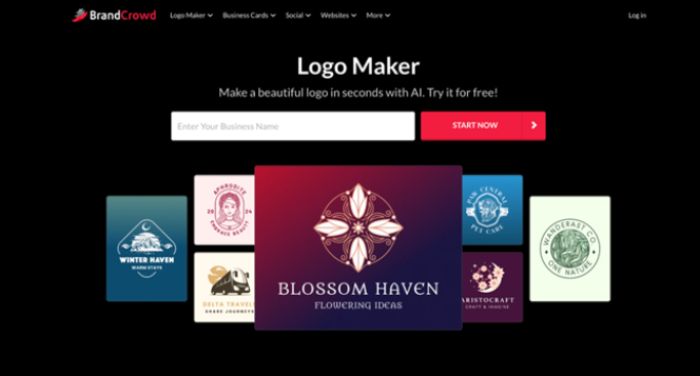
BrandCrowd is a popular online logo maker used by startups, small businesses, and growing brands around the world. It’s known for its large library of professionally designed logo templates and easy-to-use tools that help anyone create a strong brand identity without design experience.
Key Features
- Large Logo Template Library
BrandCrowd offers over 350K+ logo templates and more than 1 million total design templates across many industries. This makes it easy to find a logo style that matches your business, no matter what field you’re in.
- AI-Powered Logo Creation
The platform uses AI to generate logo ideas based on your business name and preferences. You can also use AI tools to edit logo text, icons, and backgrounds, making changes quickly without manual design work.
- Commercially Safe Designs
All BrandCrowd logos are checked for originality and are safe for commercial use. This means you can confidently use your logo on websites, products, ads, and social media.
- Easy Customization
BrandCrowd’s editor is built for non-designers. You can easily change fonts, colors, layouts, and icons, and see updates in real time as you edit.
- Full Branding Tools
Beyond logos, BrandCrowd also offers tools for business cards, social media posts, presentations, flyers, websites, and more. Colors from your logo automatically carry over to other designs, helping keep your branding consistent.
- Free Offers
BrandCrowd also has a big selection of free logos. This allows users to create and edit their designs just like the premium ones and download them instantly in any format they need.
3. Canva Logo Maker
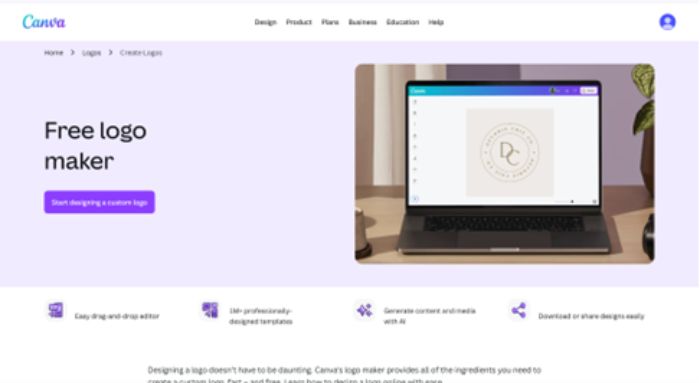
Canva is a well-known design platform, and its logo maker is widely used by small businesses and creators. It’s especially popular because it’s simple and flexible.
Key Features
- Very easy to use
Canva’s drag-and-drop editor makes logo creation very straightforward. You can see your changes instantly and experiment with them freely.
- Large collection of templates and icons
Canva offers a lot of logo templates and design elements that you can use. By experimenting with these elements, you can easily create clean, professional logos.
- Free and paid options
With Canva, you can create a logo for free or upgrade to Canva Pro for more features. This makes it a very good choice for businesses on a budget.
- Brand Kit for consistency
With Canva Pro, you can even save your brand colors, fonts, and logos. This can be a huge help for maintaining brand consistency across different designs.
- More than just logos
You can also use Canva’s tools to design social media graphics, presentations, flyers, and more, all in one place.
4. Tailor Brands
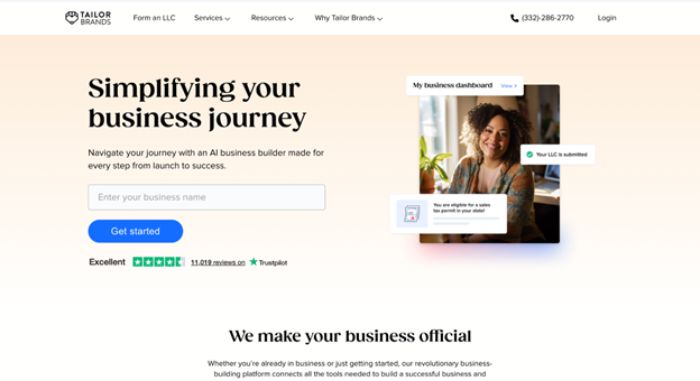
Tailor Brands is designed for business owners who want a fast and automated branding experience. Its main focus is to reduce your manual efforts and automate this whole process.
Key Features
- AI-based logo creation
With Tailor Brands, you can answer a few questions about your business, and it will generate logo options for you automatically.
- Simple customization
Once you have the initial design, you can adjust colors, fonts, and layouts, but the platform keeps things very simple and guided.
- Extra branding tools
Similar to other options we discussed, Tailor Brands also offers tools for social media designs, business cards, and branded assets.
- Built for small businesses
The platform is designed with entrepreneurs in mind and also offers additional services like domain registration to further simplify your workflows.
- Subscription model
Instead of a one-time purchase, Tailor Brands works on a subscription. This can be very useful if you want ongoing branding support.
5. Adobe Express Logo Maker
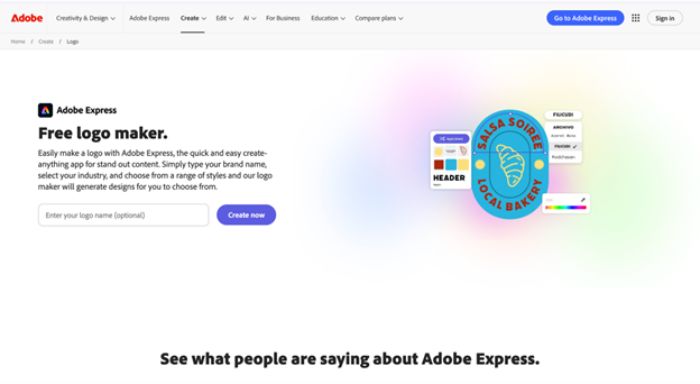
Adobe Express is Adobe’s beginner-friendly design tool. It’s made for people who want quick, clean designs without using complex software like Photoshop or Illustrator.
Key Features
- Guided logo creation
Adobe Express walks you through the logo design process step by step. You choose your style, icons, and colors, and the tool generates logo options for you.
- Professional design quality
Because it’s part of the Adobe ecosystem, the designs feel polished and professional, even though the tool is simple to use.
- Easy customization
You can quickly edit text, colors, and layouts. The interface is clear, so you don’t need any design experience.
- Works well with other Adobe tools
If you already use Adobe products, Adobe Express can fit in nicely and make it really easy to reuse your logo in your other designs.
- Free and paid options
You can create logos for free, but they also have paid plans that unlock more templates and export options.
Conclusion
Logo design platforms have completely changed how branding works today. They made this whole process much easier and way more accessible to businesses of any size. You don’t need a big budget or extensive design experience to be able to create a good logo anymore.
With the right choice, you can create a logo that clearly communicates your brand values, makes a strong first impression, and is remembered easily.
Also Read: Why Innovation Thrives When Science and Creativity Work Together